You’re an aspiring iOS app developer eyeing the shiny new 2026 iPhones. It’s exciting. Apple’s latest hardware promises faster chips, smarter AI, and seamless experiences. AI tools like Claude and Cursor can write code fast, but this roadmap shows why you still need hands-on skills to craft apps that truly shine.
Master the Fundamentals First
Start with Swift, Apple’s go-to for iOS mobile app development. You don’t need wizard-level skills overnight; nail basics like variables, loops, and functions. Build a simple to-do app to make it stick.
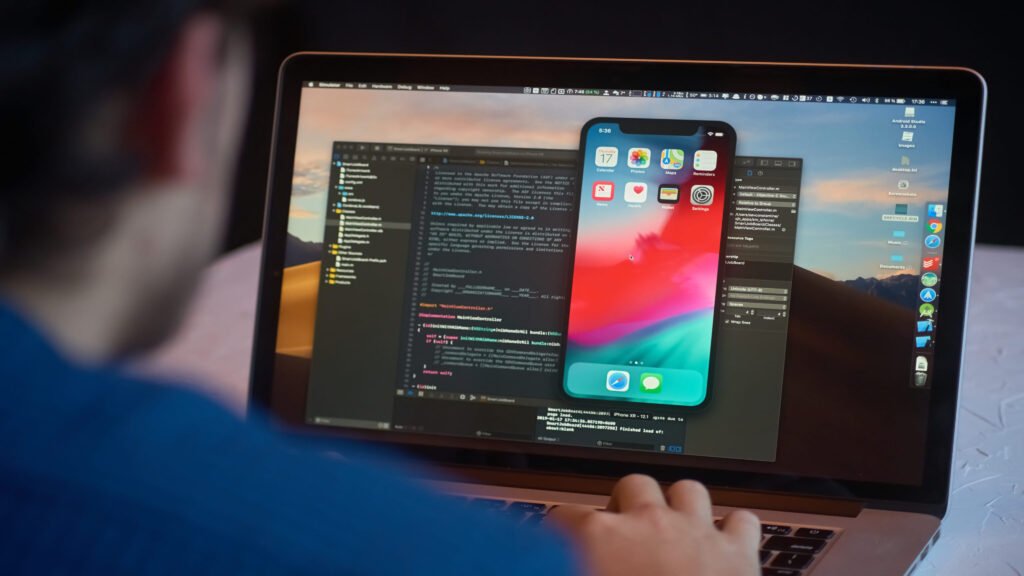
Dive into Xcode next, your hub for designing, coding, and testing. Skip it, and you’ll struggle even with AI help. Check our detailed guide to iOS app development for practical steps.
Embrace SwiftUI for Modern UIs
SwiftUI is essential in 2026 for any iOS app developer roadmap. It builds adaptive interfaces for iPhone screens with less hassle. Describe your UI declaratively; it does the heavy lifting.
It pairs perfectly with features like dynamic islands. Prototype with stacks and modifiers, you’ll save tons of time over UIKit.
Optimize for 2026 iPhone Hardware
2026 iPhones boast neural engines for on-device AI. Add Core ML to your iOS app developer roadmap for zippy machine learning, like face recognition without cloud delays.
Prioritize battery efficiency with async/await. Test simulators first, then devices, to catch issues early.
AI in Your iOS App Developer’s Roadmap
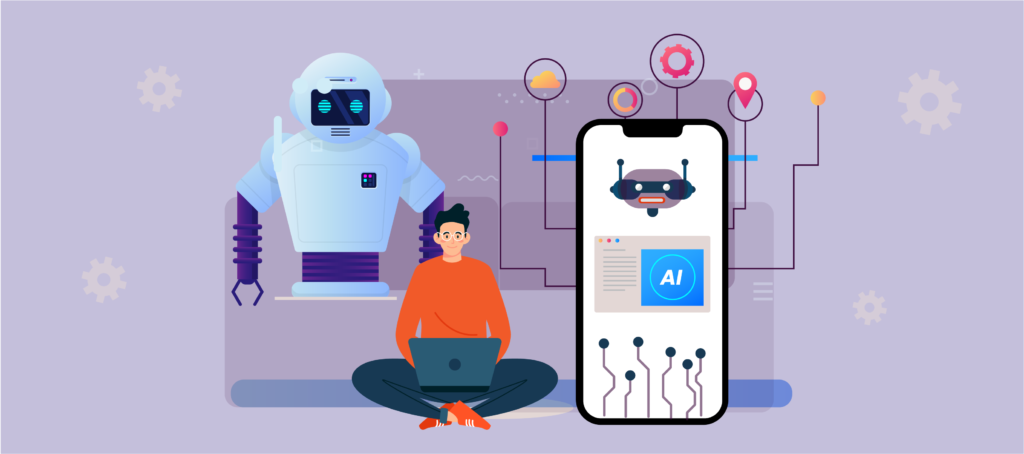
Tools like Claude and Cursor generate code snippets or whole features, game-changers for speed. But they’re not magic; you prompt them effectively only with Swift knowledge. AI handles boilerplate; you architect, debug App Store rejections, and optimize for Apple silicon.
We use AI daily at Pixact to accelerate iOS app development services, but human expertise ensures apps scale and comply. It’s augmentation, not replacement.
Integrate Apple’s Latest Frameworks
RealityKit and ARKit level up AR apps, overlaying virtual items via iPhone cameras. Perfect for shopping or games in your iOS mobile app development.
WidgetKit and App Clips boost engagement, too. Users grab quick previews without full downloads.
Build Secure and Scalable Backends
Pair your UI with Vapor or Firebase backends. Use Sign in with Apple for trust.
CloudKit handles iCloud scaling for big audiences. Our iPhone app development experts make this seamless.
Design a Custom iOS App Development Strategy
Focus on UX with Human Interface Guidelines. Prototype in Figma, import to SwiftUI.
For pro help, tap custom mobile app development services.
Test Like a Pro
XCUITest automates UI tests and runs them on every build. Hit edge cases like poor networks.
Beta via TestFlight for real 2026 iPhone feedback.
Navigate App Store Submission
Optimize listings with strong screenshots and keywords. A/B test for visibility.
Submit often; learn from rejections.
Stay Ahead with Continuous Learning
Hit WWDC and forums. Build projects with our mobile app development team’s insights.
Developing an iPhone App Developer Mindset
Persistence wins. Network on r/iOSProgramming. Build a portfolio showing AI + human smarts.
FAQs
What skills do I need as an iOS app developer with AI tools?
You’ll need solid Swift basics, clear prompting skills, and an understanding of app architecture. AI can generate impressive code, but you’re the strategist who guides its direction and ensures the final product is functional, clean, and innovative.
Does AI replace learning Swift for iOS mobile app development?
No, AI only accelerates the process; it doesn’t replace real knowledge. You still need to understand Swift to debug issues, meet Apple’s quality standards, and create features that reflect real user needs and creativity.
How long for a beginner’s first app in 2026?
If you dedicate 10–20 hours each week, building your first iOS app usually takes 3–6 months. AI tools can make it faster, but consistent hands-on coding remains the key to truly mastering iOS app development.
Need a Mac for iPhone app development?
Yes, you’ll need a Mac because Xcode only runs on macOS. However, you can use cloud-based Macs to start developing if you don’t have one, making it easier to learn and build without heavy hardware investment.
Cost of an iOS app development agency?
Hiring an iOS app development agency typically starts around $50K, depending on the app’s complexity and features. Always look for transparent pricing and service breakdowns to ensure you’re paying for quality work and expert support.
Best iOS app monetization?
Subscriptions work well for continuous-value apps, while in-app purchases are great for games or premium features. Whatever you choose, focus on user retention and experience—happy users bring recurring revenue.
Ready to Launch Your Native iOS App Developer Roadmap?
Imagine your app thriving on 2026 iPhones, fast, smart, users hooked. You’ve blended this roadmap’s skills with AI tools, sidestepping the “no learning needed” myth. Real developers direct AI to create hits that stand out, earn revenue, and build careers. It’s within reach.
Team up with Pixact Technologies. We blend human expertise and AI for your custom iOS app development. And, Get in touch today for a free consult, start building now.